Claude sidebar, part one
Stop running two unrelated jobs through one Claude chat
You opened Claude and found six things in the sidebar: Chats, Projects, Code, Artifacts, Dispatch and Cowork. Two of them decide how good your answers are, and nobody tells you which. This is what Chats handles, where it runs out of room, and why a labor rate analysis and a spray paint question should never share a thread.
This is free to use. What we sell is at the bottom of the page, with prices.
- Sections in the sidebar
- 6
- Explained here
- 2
- Projects on a free account
- 5
- Read
- 3 min
Where this leaves you
- What Chats is good at, and the two walls it runs into: files sitting on your own computer, and work that outlives a single sitting
- Why a labor rate analysis and a spray paint question drag each other down when they share one thread
- The question to ask before you start typing, so you know whether this is a chat or a project
- What a project actually holds: its own chat history and a knowledge base Claude reads on every chat inside it
Which one to open
One question, asked before you start typing.
- 01
Ask whether you will come back to this. A definition, a quick rewrite, one lookup you will never think about again: that is a chat. Open it, take the answer, move on.
ChatsChats is the section you already know from every other assistant. One message in, one answer out. It is fenced into the browser, so it is not reaching files on your computer and it is not carrying a long effort forward.
- 02
If the work has a name you would say out loud, give it a project. The labor rate analysis has a name. So does the repainting job. A passing curiosity does not.
Projects - 03
Keep unrelated work out of it. The spray paint question does not belong in the labor rate project, and holding that line is the whole benefit.
This is what context pollution means in practice. Every stray topic sitting in a thread is one more thing Claude weighs while answering the one you actually care about.
- 04
Put what Claude should always know into the project's knowledge base. Files, notes, the numbers the work keeps referring back to. Claude reads it on every chat inside that project.
Project knowledge - 05
Come back to the project instead of opening a blank chat. The threads you have already run are sitting in it, so you pick the topic back up where you left it rather than explaining yourself from the top.
Project instructions are worth the minute they take. Tell Claude the role to answer from or the tone to hold, and it applies to every chat in that project instead of the top of every message.
The specifics
- What it costs
- A free Claude account creates up to five projects. Paid plans handle a larger knowledge base.
- What a project holds
- Its own chat histories, plus a knowledge base you upload once that every thread inside it can read.
- Covered here
- Chats and Projects. Code, Artifacts, Dispatch and Cowork get their own part.
- When it is worth one
- Any topic you come back to more than twice. One-off questions stay in a plain chat.
Questions people ask
Is a project the same as a folder?
A folder sorts things after the work is done. A project changes what Claude has in front of it while it answers, so the sorting shows up in the output rather than only in your file list.
What do I do with the chats I have already run?
Leave them. Start the next thread on that topic inside a project instead of hunting back through the pile. A project earns its contents over a few weeks.
How many projects should I make?
Fewer than feels right at the start. Three or four that match how you actually work will beat a dozen that map how you wish you worked.
Stuck on a step? Ask me.
This guide is also a lesson in my community, with its own questions thread for the step that stopped you. Joining is free. Paid members also get my ask me anything call every Tuesday at noon ET, and the full recordings of each setup as I make them.
The free tools people open most
See every free toolSkill and prompts for Claude Code
Dynamic workflows kit
Claude Code · 5 min of your time
Download the kit

That was the free part
The tool is yours. Nothing above asked for an email.
If it earned a minute of your time, the paid part is one scroll down.
The paid part
Here is what we sell.
Everything above this line is free and stays free. Below it is what we sell. The prices are the prices, and the two subscriptions carry 30 days money back on the first month.
Mica Social Media Analyzer
Price: $29/ month
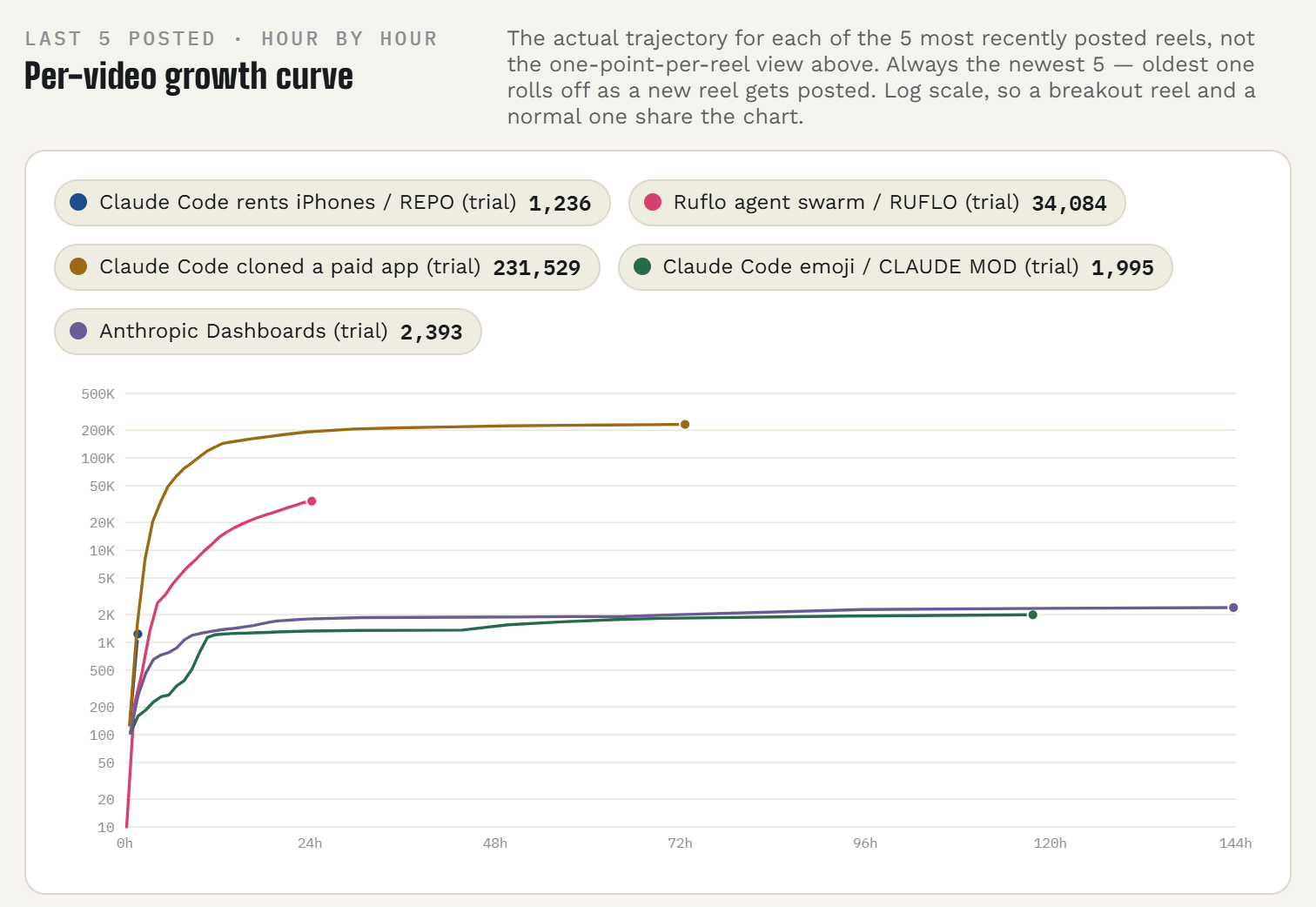
Your Instagram, answered by the ChatGPT or Claude you already use. Connect the account once, then ask in plain words what worked and what to post next.
You post on Instagram and you are done guessing from the Insights tab.
- Which Reels held attention, ranked, without opening Insights
- Readings at 1, 24 and 72 hours after every post, so you see what happened while it was moving
- Next captions written in the style of your most saved posts
- Read only. It never posts or changes anything
7 days free with a card on file. About a dollar a day after that.
30 days money back on the first month. Email guru@graniteai.co and we refund it.
Mica Social
Price: $49/ month
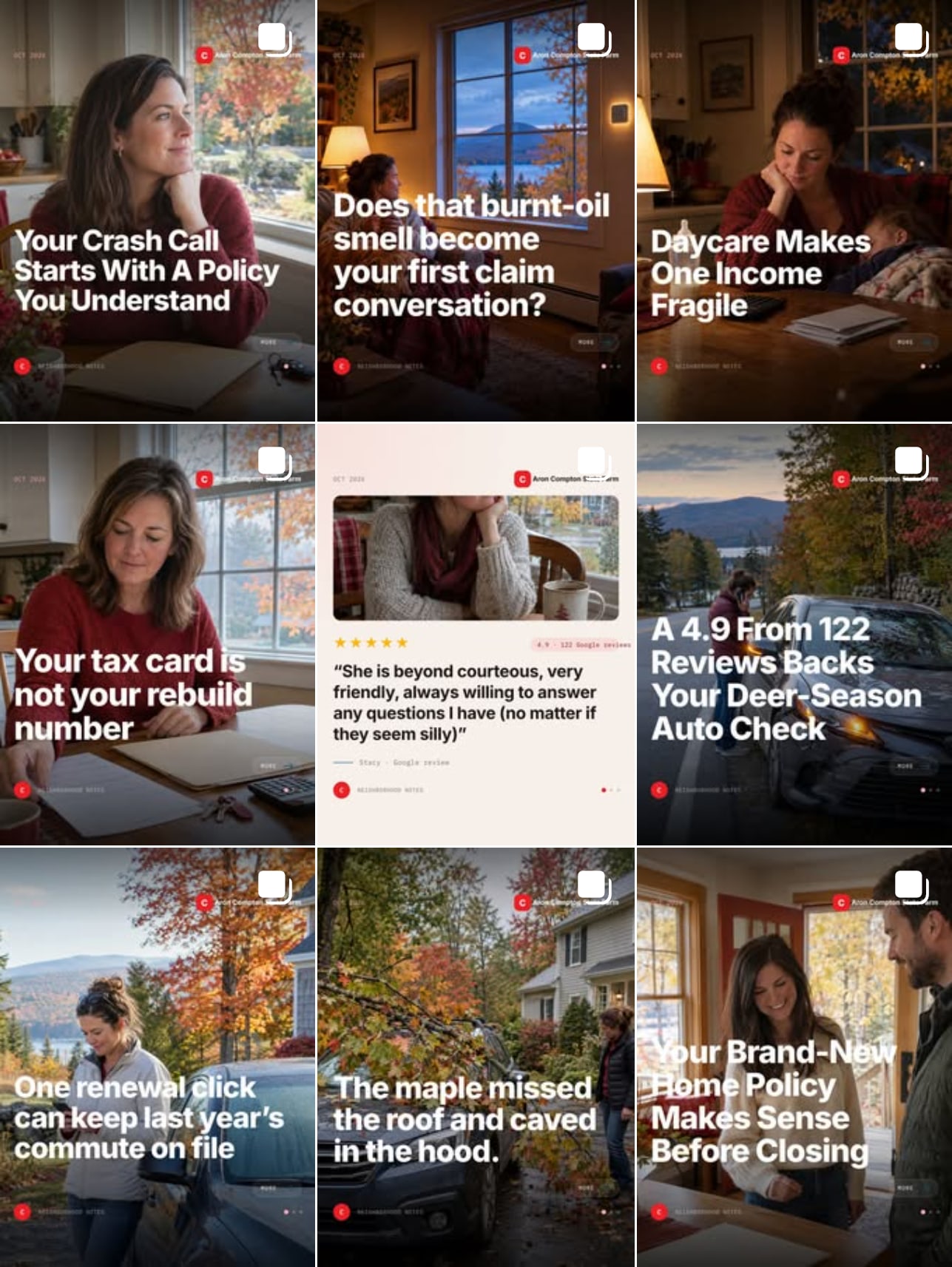
An AI that writes, designs, checks and publishes a post to your Facebook and Instagram every day. You send a photo when you have one. It does the rest.
You know the feed should be alive every day and it is not.
- A finished post every day, with a photo made for it. Nothing to shoot
- Timed to your local weather, season and county numbers
- Five checks before anything publishes. No approvals, no calendar, no logins
- Every photo you send becomes its own extra post
An agency running a daily feed bills $500 to $1,500 a month. 3 days free with a card on file.
30 days money back on the first month. Email guru@graniteai.co and we refund it.
The readiness audit, done for you
Price: $349One week
Send us access to your repo. We run the nine-lane review, change nothing, and hand back the report with a 30 minute call on the three gaps to close first.
You have a product you charge for, or want to, and you would rather read the verdict than run the agents.
- The report at docs/commercial-readiness.md: a verdict, a scorecard, every gap with the file to open and how to verify it
- Legal, security, billing, support, marketing, operations and the rest, checked at once
- A 30 minute call on the three gaps to close first
- Nothing in your repo changed. The workflow prompt is yours to run afterward
The review is the one in the video. On our own product it found 87 gaps. The overnight run that followed was 148 commits and one pull request.
If the review finds no gap worth your time, you pay nothing.
The guided first run
Price: $9960 minutes
We run the review on your repo together, on a call, and you leave with the report in your repo and the three gaps to close first.
You have the kit and a repo, and you would rather do the first run with someone who has done it.
- The review running on your machine, in your Claude Code
- The verdict read together, and the three gaps picked
- The workflow prompt set up so you can run it that night
- The call recording
New. You would be one of the first. The run itself is the one in the video: 190 agents, 148 commits, one pull request.
If the review will not run on your setup during the call, there is no charge.
GraniteAI builds and runs AI systems for small and midsized businesses, out of Manchester, New Hampshire.