Claude Mythos 5.2, from Anthropic's own docs
How to apply for Claude Mythos, the model you're not supposed to have
Anthropic gives Mythos 5.2 only to people and teams it has verified, for security and life sciences work. This guide follows Anthropic's own docs: which program to apply to, what the form asks for, and how to switch Mythos on once you're approved.
Both tracks step by step, a have-these-ready checklist, the Console workspace steps, the model IDs and a fix for each common snag.
The download is free. What we sell is at the bottom of the page, with prices.
Watch the reel on Instagram- 01Pick the program: Cyber Verification for security work, Life Sciences for biology research
- 02Apply in Anthropic's Verification Portal, or register interest for the Life Sciences program
- 03Mythos turns on in your Claude plan, or you assign it to a Console workspace and call claude-mythos-5-2
- Programs that give Mythos access
- 2
- Review target for Defense Access
- 2 days
- Wait to reapply if turned down
- 7 days
- Data retention Mythos requires
- 30 days
Want this built for your business, or have an idea that needs AI?
Work with usWhat you will have when you finish
One application or interest form sent to the right program, and Mythos on wherever you use Claude.
- Which program fits you: the Cyber Verification Program for security work, or the Life Sciences program for biology research
- The ID, documents and security settings the application asks for, ready before you start
- Mythos turned on in your Claude plan, or in a Console workspace as claude-mythos-5-2
- A plan B if you're turned down: Fable 5.2 is the same model with its safeguards on, and needs no approval on the Claude API
Apply, wait for the email, switch it on
Pick the track that matches how you use Claude. Words in quotes are the labels on Anthropic's own screens.
A Claude Pro, Max or Ultra plan. The Free plan cannot apply. On Team or Enterprise, your Owner or Primary Owner applies once for the whole organization.
- 01
Get your ID and your phone ready. You need a valid government-issued photo ID, the physical document: a passport, driver's license, or a state, provincial or national ID. You also need a phone with a camera for a possible live selfie.
Photocopies are not accepted.
- 02
Check your security settings. Defense Access asks you to attest that you use multi-factor authentication (MFA) and replace any API keys at least every seven days.
Starting December 15, 2026, Defense Access also requires phishing-resistant MFA and no longer allows static or long-lived API keys. Anthropic recommends Workload Identity Federation.
- 03
Sign in to the Verification Portal with your Anthropic account.
Anthropic Verification PortalNo Anthropic account yet? Create one and set up billing first.
- 04
Choose "Cyber Verification Program", click "Apply" and fill in the application. As an individual, you can apply only for Defense Access.
Cyber Verification Program → ApplyIndependent researchers, open-source maintainers and bug bounty hunters all apply as individuals.
- 05
Accept the terms and submit. Anthropic emails you with a decision or a request for more information. The review target for Defense Access is two days.
Verification Portal → Programs → Cyber Verification ProgramYou cannot edit or cancel an application once it is submitted. Check its status on the path above. If the review runs past the target, you don't need to reapply.
- 06
Once you're approved, access turns on automatically on Pro, Max and Ultra.
On Pro, Mythos models are available only with usage credits. On Max and Ultra, Mythos and Fable share up to 50% of your weekly usage limit, then you use usage credits if they are on, or switch models. On Team, access turns on for every user. On Enterprise, an Owner or Primary Owner assigns the program to a custom role under Organization settings → Roles.
Every step follows Anthropic's model docs and support articles, read 18 November 2026. The PDF lists each source.
The specifics
From Anthropic's model docs and support articles, read 18 November 2026.
- What Mythos is
- In Anthropic's words, the same underlying model as Fable 5.2 without certain cybersecurity or biology safeguards, for verified security and life sciences work.
- Who can apply
- Individuals can apply only for Defense Access. Red Team Access and Specialized Access are for organizations.
- Plans
- Defense Access covers Pro, Max, Ultra, Team, Enterprise and the API. The Free plan is left out, and Pro needs usage credits.
- Review time
- Defense Access targets two days. Red Team targets two weeks, and those reviews are currently taking longer because of high demand.
- Data retention
- Mythos requires 30-day data retention and isn't available under zero data retention (ZDR) unless Anthropic expressly authorizes it.
- Model ID
- claude-mythos-5-2 on the Claude API, Google Cloud and Microsoft Foundry. Amazon Bedrock uses global.anthropic.claude-mythos-5-2.
Questions people ask
Can I get Mythos if I don't do security work?
Teams and institutions doing biology research can register interest in the Life Sciences program, on the Console, Team or Enterprise plans. Individual plans are left out. If neither program fits, Fable 5.2 is the same model and needs no approval.
What happens if I'm turned down?
You keep the generally available models and any tier you were approved for, and you can reapply after seven days. Fable 5.2 needs no access approval on the Claude API, though its safeguards will block most cybersecurity-related tasks.
Can I get Mythos on the free Claude plan?
No. The Cyber Verification Program does not cover the Free plan. Defense Access covers Pro, Max, Ultra, Team, Enterprise and the API, so a Console account works too. On Pro, Mythos models are available only with usage credits.
My team was approved. Why can't we call Mythos?
On the Console, the program has to be assigned to a workspace. An Admin or Owner creates a dedicated workspace (the default one cannot be used), adds the grant on the Programs page and makes sure it is Active.
Stuck on a step? Ask me.
This guide is also a lesson in my community, with its own questions thread for the step that stopped you. Joining is free. Paid members also get my ask me anything call every Tuesday at noon ET, and the full recordings of each setup as I make them.
The free tools people open most
See every free toolSkill and prompts for Claude Code
Dynamic workflows kit
Claude Code · 5 min of your time
Download the kit

That was the free part
The file is yours. Nothing above asked for an email.
If it earned a minute of your time, the paid part is one scroll down.
The paid part
Here is what we sell.
Everything above this line is free and stays free. Below it is what we sell. The prices are the prices, and the two subscriptions carry 30 days money back on the first month.
Mica Social Media Analyzer
Price: $29/ month
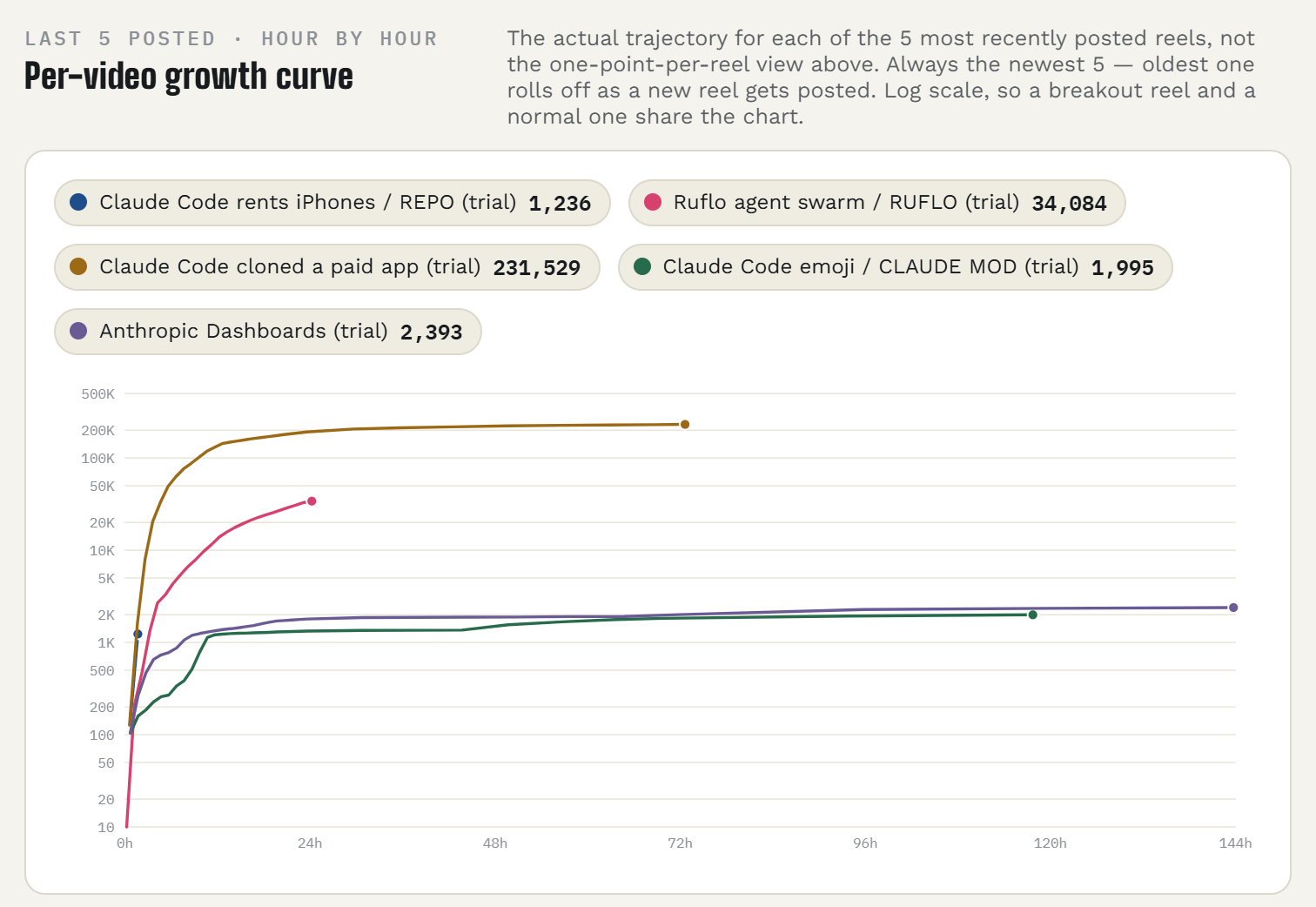
Your Instagram, answered by the ChatGPT or Claude you already use. Connect the account once, then ask in plain words what worked and what to post next.
You post on Instagram and you are done guessing from the Insights tab.
- Which Reels held attention, ranked, without opening Insights
- Readings at 1, 24 and 72 hours after every post, so you see what happened while it was moving
- Next captions written in the style of your most saved posts
- Read only. It never posts or changes anything
7 days free with a card on file. About a dollar a day after that.
30 days money back on the first month. Email guru@graniteai.co and we refund it.
Mica Social
Price: $49/ month
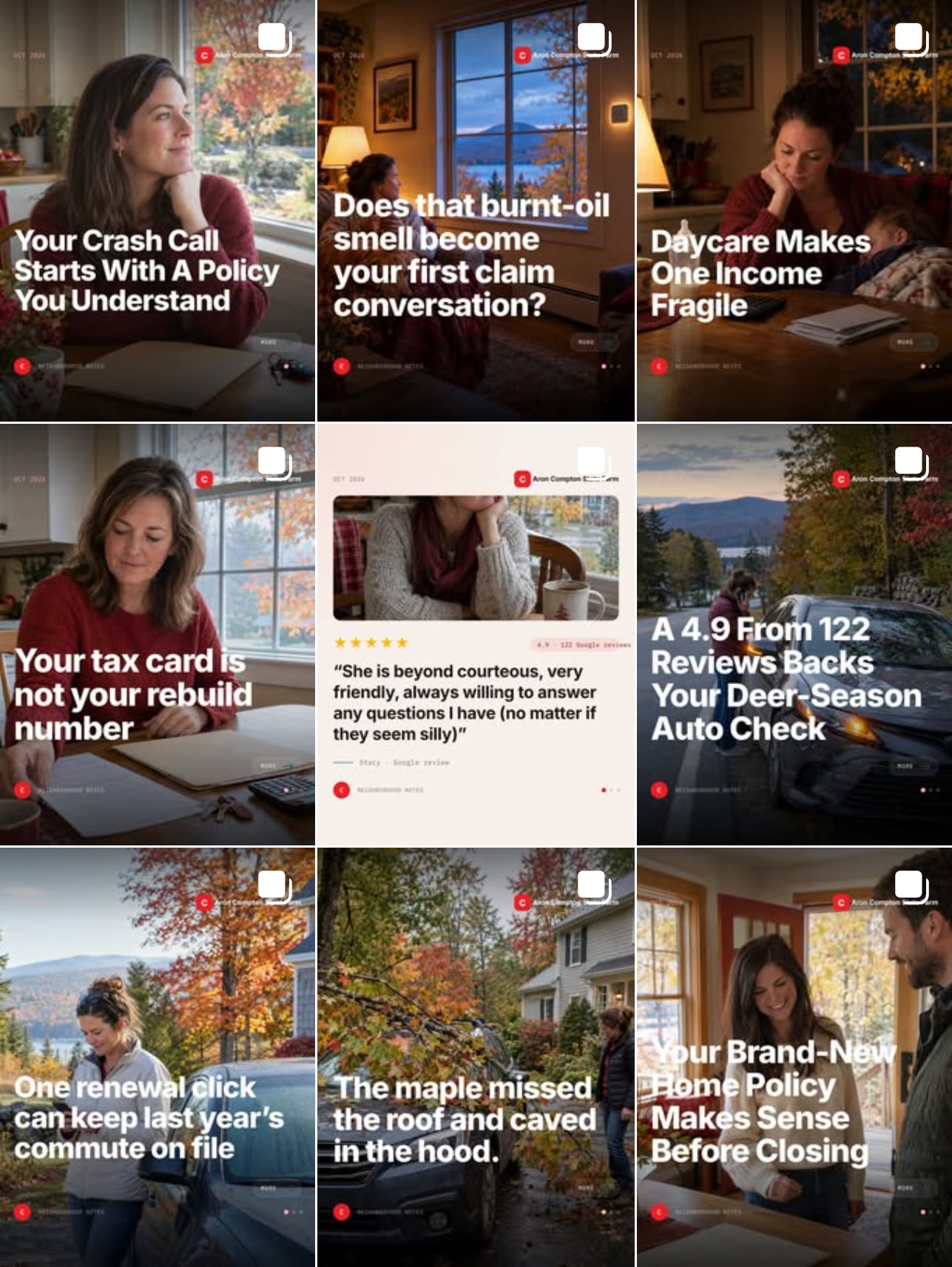
An AI that writes, designs, checks and publishes a post to your Facebook and Instagram every day. You send a photo when you have one. It does the rest.
You know the feed should be alive every day and it is not.
- A finished post every day, with a photo made for it. Nothing to shoot
- Timed to your local weather, season and county numbers
- Five checks before anything publishes. No approvals, no calendar, no logins
- Every photo you send becomes its own extra post
An agency running a daily feed bills $500 to $1,500 a month. 3 days free with a card on file.
30 days money back on the first month. Email guru@graniteai.co and we refund it.
The readiness audit, done for you
Price: $349One week
Send us access to your repo. We run the nine-lane review, change nothing, and hand back the report with a 30 minute call on the three gaps to close first.
You have a product you charge for, or want to, and you would rather read the verdict than run the agents.
- The report at docs/commercial-readiness.md: a verdict, a scorecard, every gap with the file to open and how to verify it
- Legal, security, billing, support, marketing, operations and the rest, checked at once
- A 30 minute call on the three gaps to close first
- Nothing in your repo changed. The workflow prompt is yours to run afterward
The review is the one in the video. On our own product it found 87 gaps. The overnight run that followed was 148 commits and one pull request.
If the review finds no gap worth your time, you pay nothing.
The guided first run
Price: $9960 minutes
We run the review on your repo together, on a call, and you leave with the report in your repo and the three gaps to close first.
You have the kit and a repo, and you would rather do the first run with someone who has done it.
- The review running on your machine, in your Claude Code
- The verdict read together, and the three gaps picked
- The workflow prompt set up so you can run it that night
- The call recording
New. You would be one of the first. The run itself is the one in the video: 190 agents, 148 commits, one pull request.
If the review will not run on your setup during the call, there is no charge.
GraniteAI builds and runs AI systems for small and midsized businesses, out of Manchester, New Hampshire.