Free Claude Code skill
Claude Code can understand your video
Claude Code has no native video perception. Point its Read tool at an .mp4 and you get back "This tool cannot read binary files." Ask about the video anyway and you get a confident description of something nobody looked at. This skill runs perception passes over the file on your own machine and leaves Claude a report, a transcript and stills it can already read, so the answer is grounded in the file.
This is free to use. What we sell is at the bottom of the page, with prices.
- Setup
- 2 min
- Download
- 13.9 KB
- Cost
- $0
- Required tools
- 2
What you will have when you finish
No multimodal model captions your frames. The passes turn a video into text, numbers and still images, then you ask Claude against them: where the cuts fall, what was said at 0:12, whether the on-screen text matches the audio.
- A transcript primed with your domain terms. Unprimed, Whisper turned "Sonnet" into "Sonified" and "stale processes" into "for sale processes".
- A shot list and pacing from PySceneDetect's adaptive detector, so the cut rhythm is visible as numbers.
- Burned-in on-screen text read by RapidOCR, which doubles as an independent cross-check on the transcript.
- A motion heatmap built from per-pixel standard deviation in NumPy, showing where the movement actually is.
- Audio levels in LUFS, silence gaps, freeze and black frame detection and content bounds from FFmpeg.
- A music-bed reading from Demucs, telling you whether there is music under the voice or voice alone.
- Contact sheets, so you and Claude can look at the frames.
Do this once
Four steps, about two minutes if FFmpeg is already on your machine.
Python 3 and FFmpeg on your PATH. Every other pass is optional.
- 01
Download the zip from this page. Four files, 13.9 KB.
Download the skill - 02
Unzip it into your skills folder. It expands to a video-recon/ folder that is already structured the way Claude Code expects.
~/.claude/skills/On Windows that folder is C:\Users\<you>\.claude\skills\. The skill ends up at ~/.claude/skills/video-recon/SKILL.md.
- 03
Ask Claude to analyse a video, or run the script yourself. No restart. Claude Code picks up a new skill inside the session you already have open.
- 04
Read the preflight. Every run marks each pass ok or MISSING and prints the exact pip install line for anything absent.
A missing optional pass is skipped, never fatal. The report names what was skipped and the command that enables it.
The skill diagnoses itself. Run it and it tells you what you are missing.
The specifics
- What it costs
- Free. Download the zip, keep it, change it. There is no account and no sign-up.
- What it needs
- Python 3 and FFmpeg. Whisper, PySceneDetect, RapidOCR, Demucs, NumPy and OpenCV are optional and skipped when absent.
- Where your data goes
- Every perception pass runs on your machine. The video file is never uploaded. Claude reads the report the passes leave on disk.
- What we tested it on
- The 29-second reel that announced it, captions burned in, with the transcript verified line by line against those captions.
- What is out of scope
- No multimodal model captions your frames. It will not name a person on screen or tell you whether a shot looks good.
- Checked on
- 5 September 2026, against Claude Code's own error output and Anthropic's published vision documentation.
Questions people ask
What stops Claude making things up about the video?
Every claim traces to a pass you can check. RapidOCR reads the burned-in text independently of what Whisper heard, so the two cross-check each other, and the contact sheets let you look at the frames yourself.
What if I do not have a GPU?
It still runs. Whisper and Demucs work on CPU and take longer there. The preflight prints what is installed before any of it starts, so you know the shape of the run up front.
What if the video has no speech in it?
The other passes still run. Shot detection, on-screen text, motion mapping and the audio readings do not depend on anyone talking, and the report says which passes produced nothing.
Stuck on a step? Ask me.
This guide is also a lesson in my community, with its own questions thread for the step that stopped you. Joining is free. Paid members also get my ask me anything call every Tuesday at noon ET, and the full recordings of each setup as I make them.
The free tools people open most
See every free toolSkill and prompts for Claude Code
Dynamic workflows kit
Claude Code · 5 min of your time
Download the kit

That was the free part
The tool is yours. Nothing above asked for an email.
If it earned a minute of your time, the paid part is one scroll down.
The paid part
Here is what we sell.
Everything above this line is free and stays free. Below it is what we sell. The prices are the prices, and the two subscriptions carry 30 days money back on the first month.
Mica Social Media Analyzer
Price: $29/ month
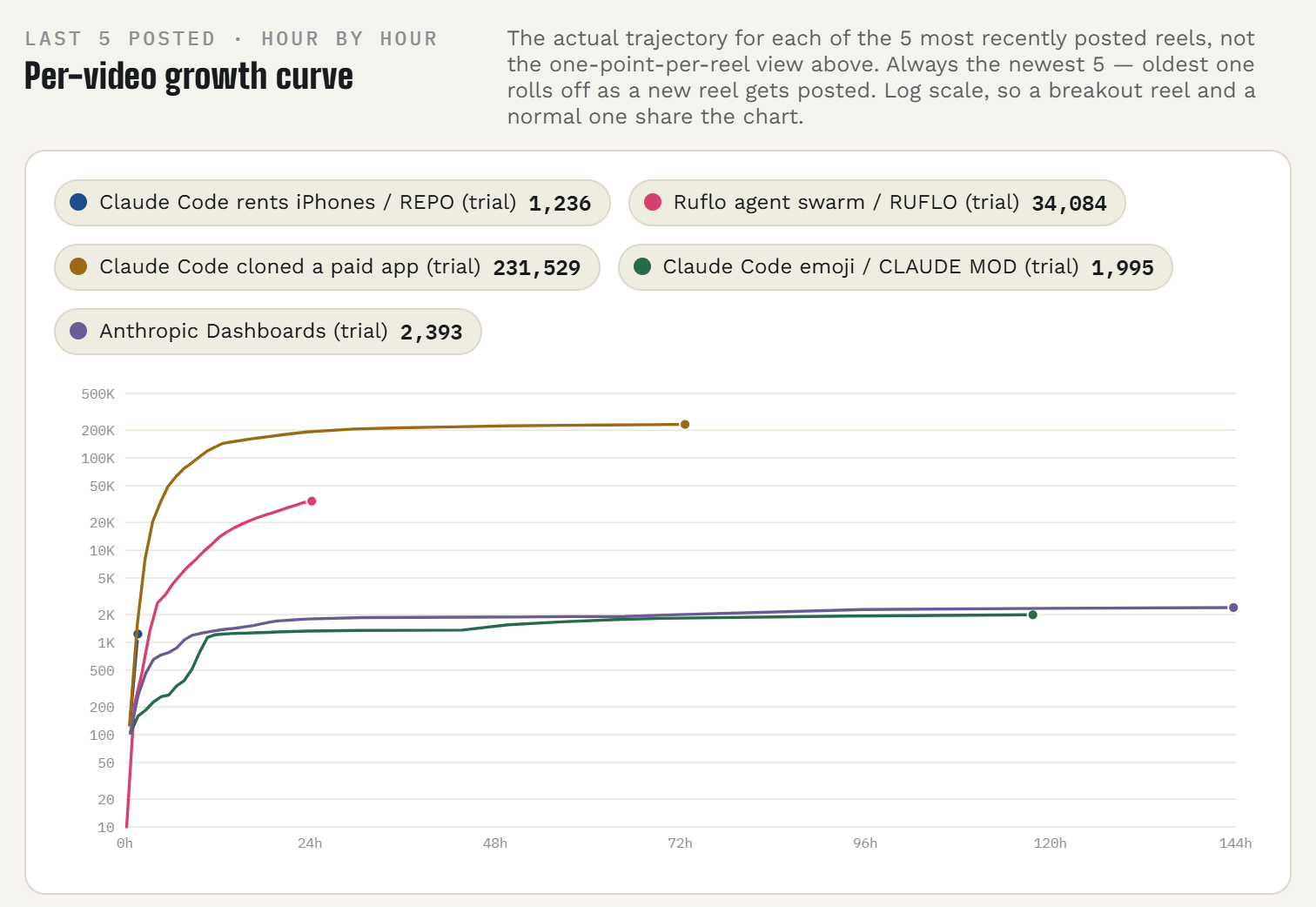
Your Instagram, answered by the ChatGPT or Claude you already use. Connect the account once, then ask in plain words what worked and what to post next.
You post on Instagram and you are done guessing from the Insights tab.
- Which Reels held attention, ranked, without opening Insights
- Readings at 1, 24 and 72 hours after every post, so you see what happened while it was moving
- Next captions written in the style of your most saved posts
- Read only. It never posts or changes anything
7 days free with a card on file. About a dollar a day after that.
30 days money back on the first month. Email guru@graniteai.co and we refund it.
Mica Social
Price: $49/ month
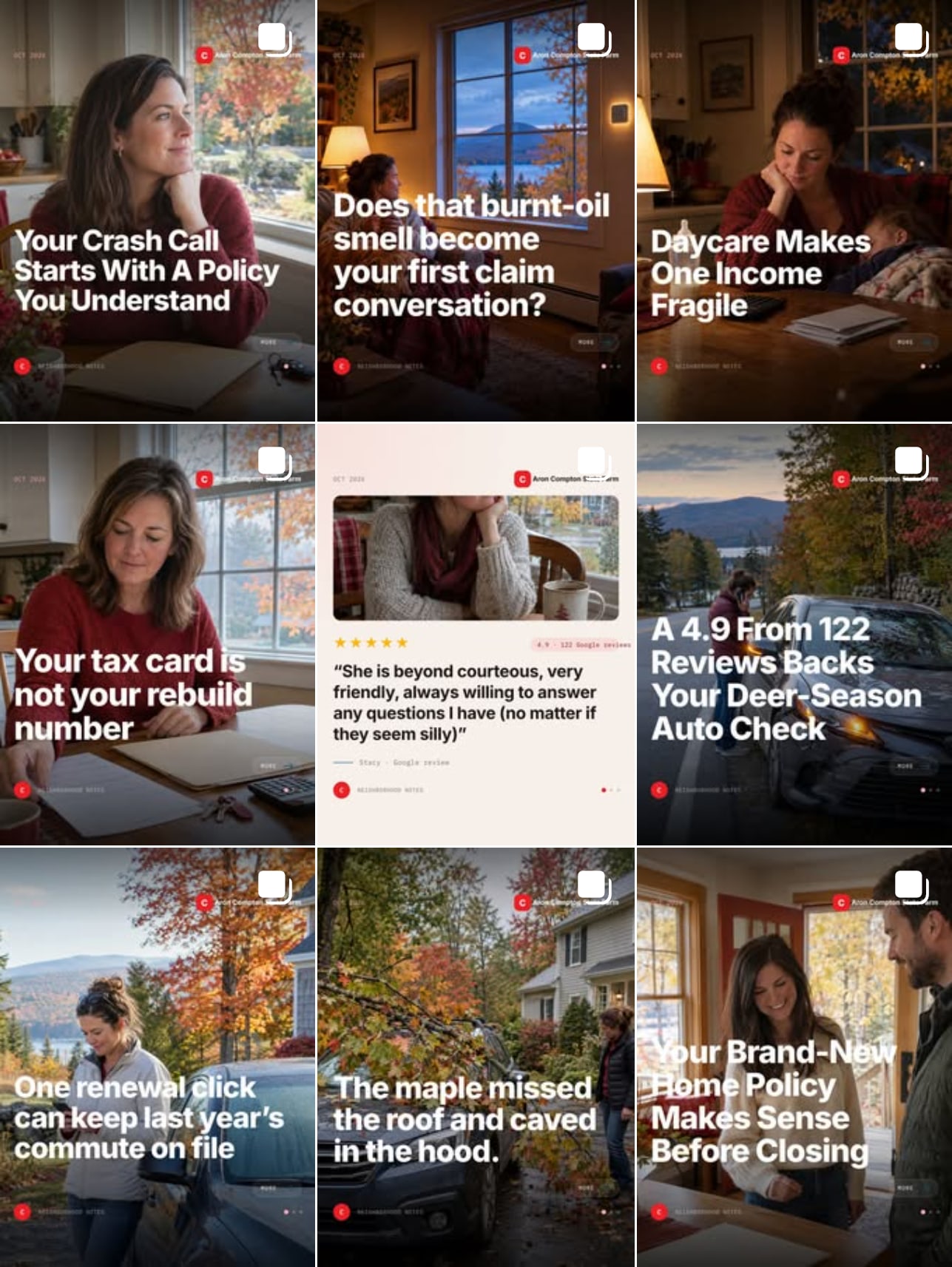
An AI that writes, designs, checks and publishes a post to your Facebook and Instagram every day. You send a photo when you have one. It does the rest.
You know the feed should be alive every day and it is not.
- A finished post every day, with a photo made for it. Nothing to shoot
- Timed to your local weather, season and county numbers
- Five checks before anything publishes. No approvals, no calendar, no logins
- Every photo you send becomes its own extra post
An agency running a daily feed bills $500 to $1,500 a month. 3 days free with a card on file.
30 days money back on the first month. Email guru@graniteai.co and we refund it.
The readiness audit, done for you
Price: $349One week
Send us access to your repo. We run the nine-lane review, change nothing, and hand back the report with a 30 minute call on the three gaps to close first.
You have a product you charge for, or want to, and you would rather read the verdict than run the agents.
- The report at docs/commercial-readiness.md: a verdict, a scorecard, every gap with the file to open and how to verify it
- Legal, security, billing, support, marketing, operations and the rest, checked at once
- A 30 minute call on the three gaps to close first
- Nothing in your repo changed. The workflow prompt is yours to run afterward
The review is the one in the video. On our own product it found 87 gaps. The overnight run that followed was 148 commits and one pull request.
If the review finds no gap worth your time, you pay nothing.
The guided first run
Price: $9960 minutes
We run the review on your repo together, on a call, and you leave with the report in your repo and the three gaps to close first.
You have the kit and a repo, and you would rather do the first run with someone who has done it.
- The review running on your machine, in your Claude Code
- The verdict read together, and the three gaps picked
- The workflow prompt set up so you can run it that night
- The call recording
New. You would be one of the first. The run itself is the one in the video: 190 agents, 148 commits, one pull request.
If the review will not run on your setup during the call, there is no charge.
GraniteAI builds and runs AI systems for small and midsized businesses, out of Manchester, New Hampshire.